Photography
Style
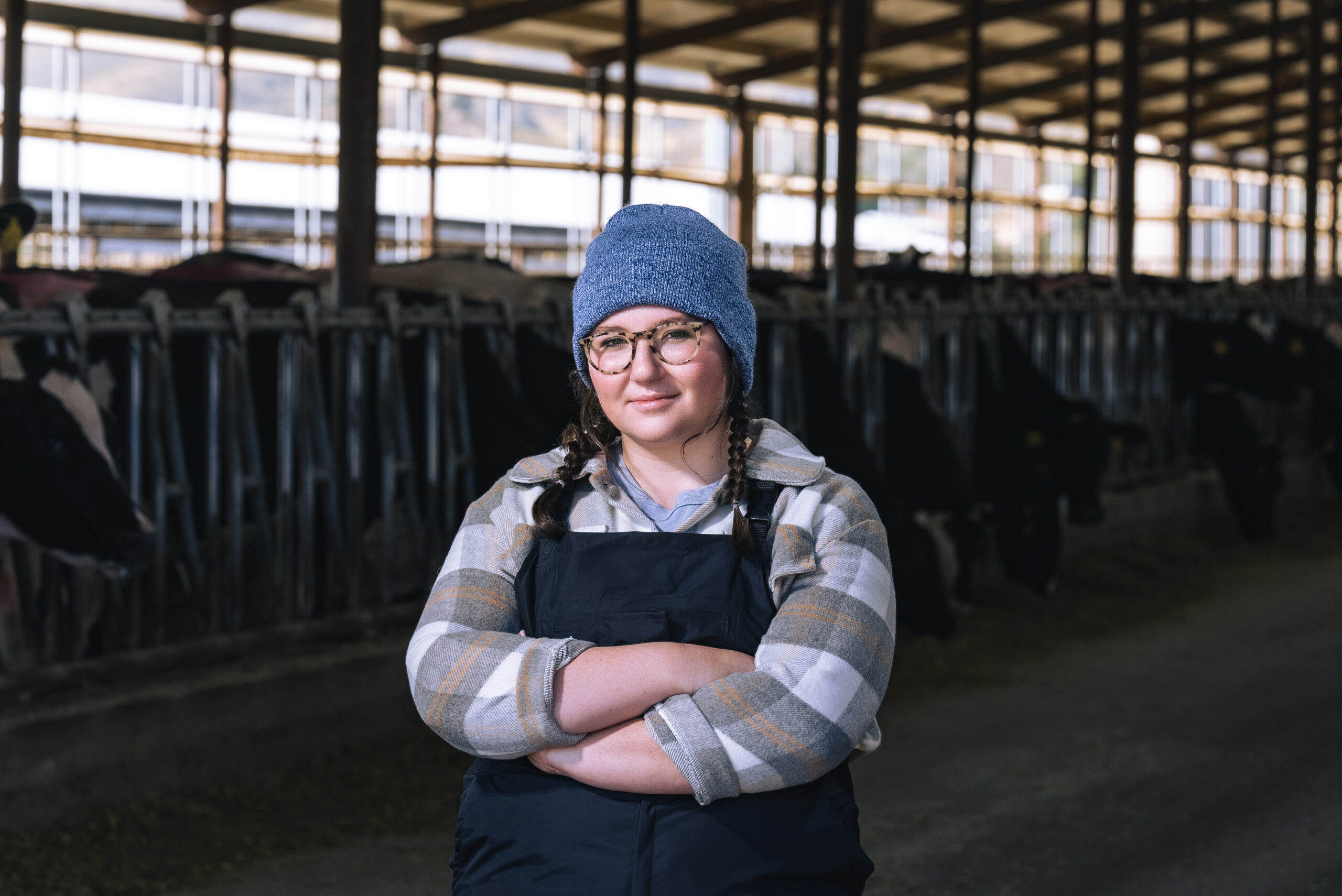
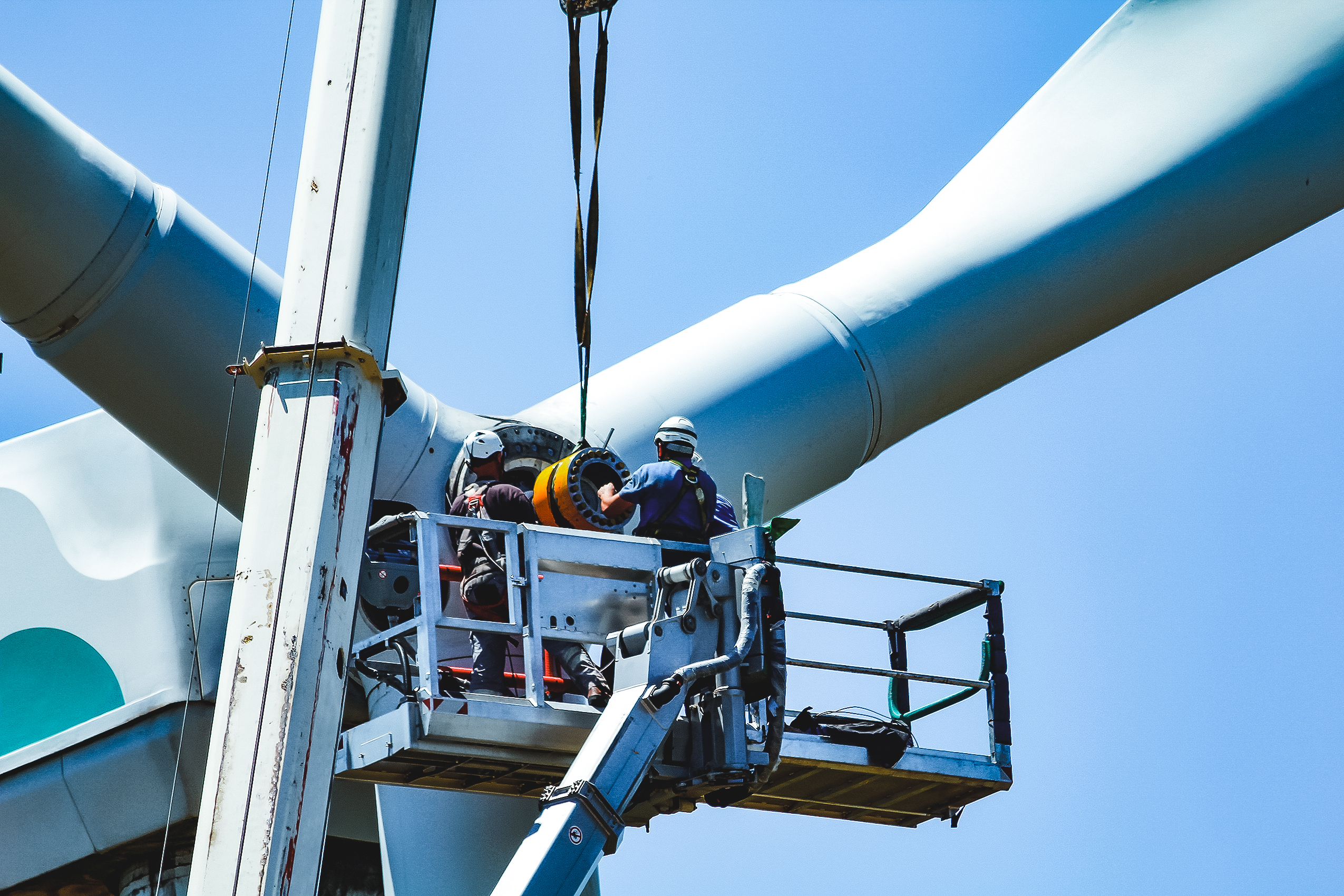
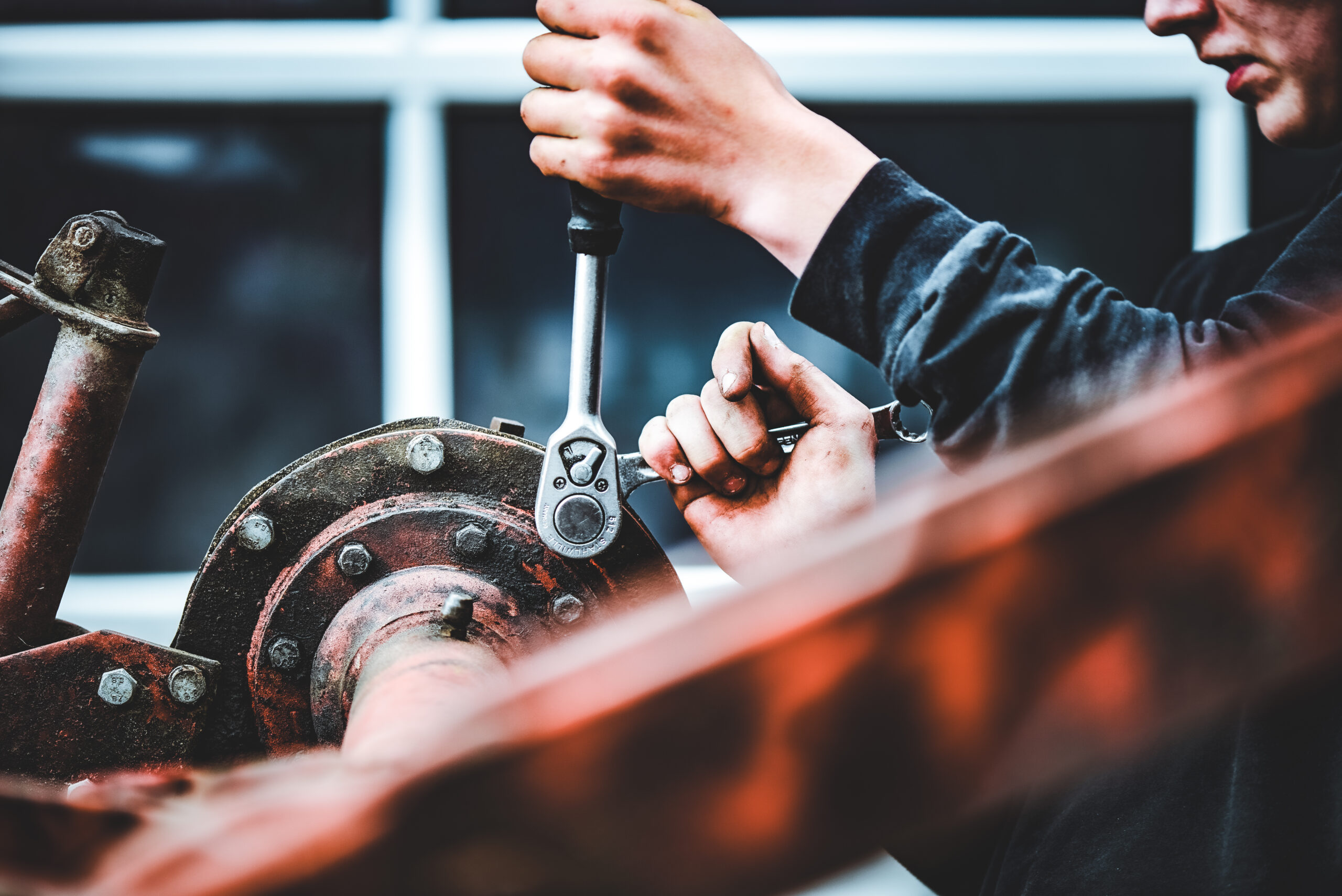
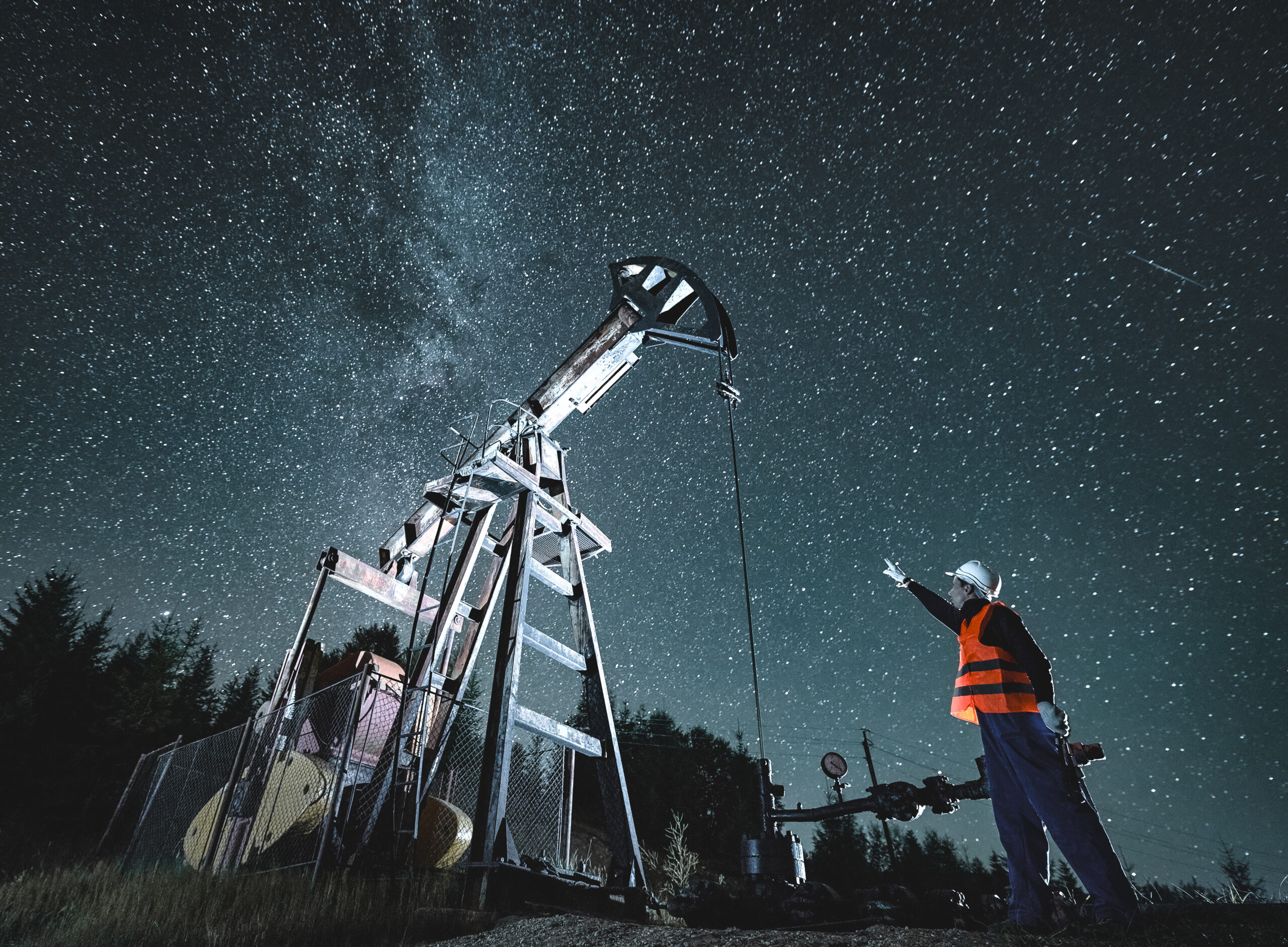
Imagery should be dynamic and engaging, focusing on one person or two people working a specific trade job. Images can be edited using the Lightroom preset filter to create a blue-toned, high-contrasted, moody effect. Depending on the color tone of the original photograph, additional color editing may be needed after the preset is applied.
You will need the ability to open a .ZIP file to download the preset, and Adobe Lightroom to use the preset.
OCCUPATIONAL IMAGES
Use images from the Occupational Images library to add visual support to content.
To save individual images: Right-click on the photo and select “open in a new tab.” Go to the opened tab, right-click on the large image, and select “Save image as…”. Save your image to your desired location.







































Industry Bubble Images
Highlight an industry or employee by using a single person clipped into a circle frame.



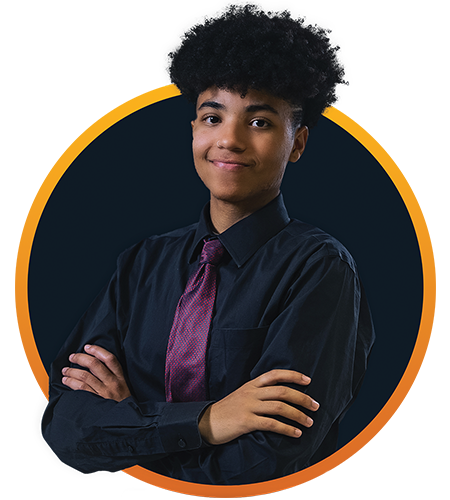

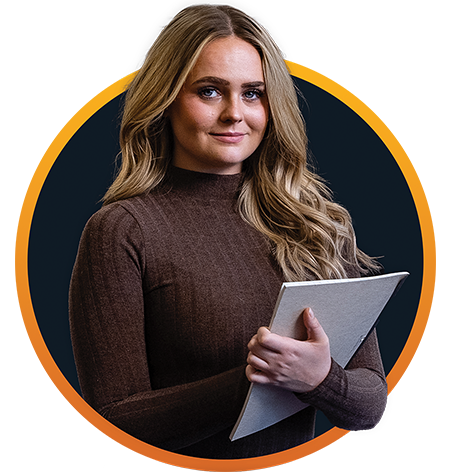
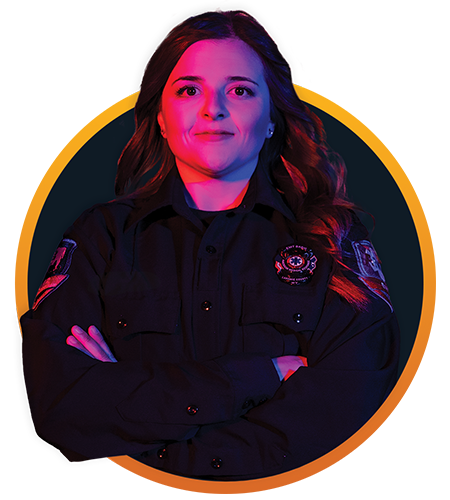

Industry Images
Highlight an industry or employee by using a single person clipped into a circle frame.